
How it works
The six steps from uploaded photo to downloaded archive: what you choose at each one, what happens behind it, and what the result looks like.
No account, nothing to install, nothing to pay. Every picture below is real generator output, not a mock-up.
- 1
You upload a photograph
A portrait, a beloved pet, a landscape or a painting you like. Two things are read from the image at once: its colours, which will be matched against real thread, and its proportions, which the chart keeps exactly, so the result never comes out squashed or stretched.
Clear images with good contrast and the subject large in the frame work best. Very fine detail, such as individual strands of hair or small text, does not survive the move to cross stitch no matter how large you make the chart: every stitch is one solid square of one colour. The file may be up to 10 MB.
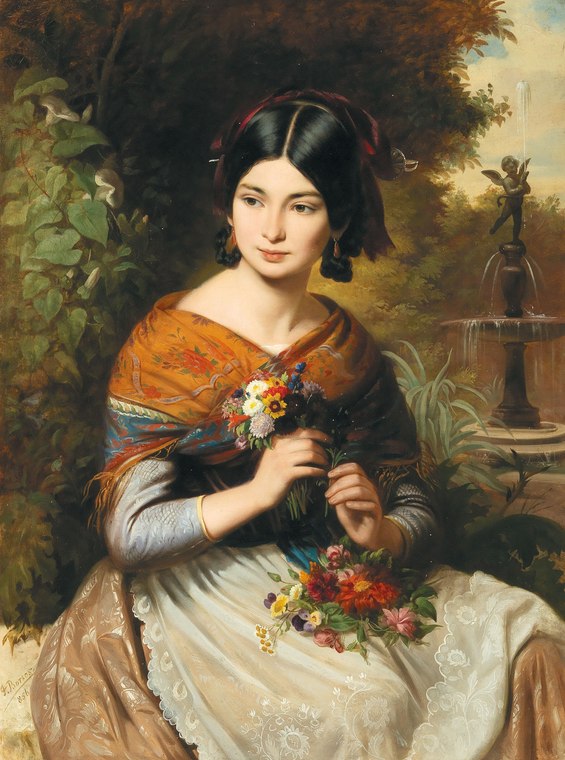
The starting photograph - “Girl with flowers”, József Borsos - 2
You give it a name
The name does not stay inside the app. It is printed, centred, in the header of every page in the kit, and it goes into the name of every file in the archive.
Six months from now, when you open the archive or pick a sheet up off the table, this name is the only thing telling you which piece it belongs to. Worth choosing accordingly, rather than “photo 3”.
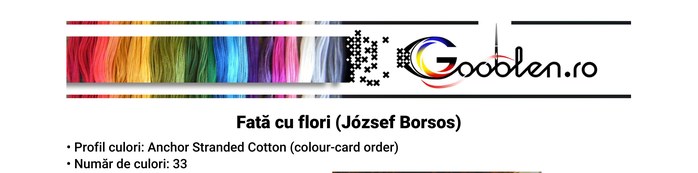
The chosen name, printed in the header - 3
You pick a thread brand
There are 52 profiles, each one a manufacturer's real colour card: DMC, Anchor, Madeira and others. The codes on the chart are exactly the codes you ask for at the craft shop.
The choice matters more than it looks. A palette with over 400 shades has room to work and gives smooth transitions across skin and sky; one with a few dozen will approximate those same areas far more bluntly. You can open any palette on the palettes page to see all of its colours before deciding.
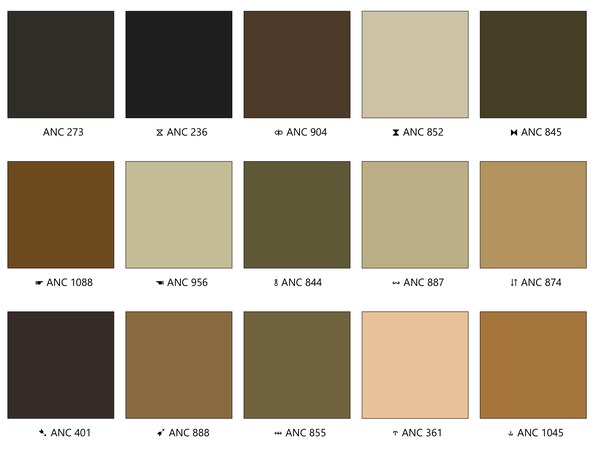
The chosen colours, each with its code - 4
You choose the size
The number you pick is the chart's long side, in stitches. The other side follows from your photo's proportions. At the usual density of 10 stitches per centimetre, 200 stitches is around 20 cm of fabric.
More stitches means more detail survives, but also more stitching and more sheets to print: roughly 30 × 50 stitches fit on an A4 sheet, so the piece in the images below, at 446 × 600 stitches, spans 180 of them. That is why the archive also carries a sheet map.
This step is also where you choose the paper and the size of the squares: A4 or A3, with normal (5 mm) or large (6 mm) squares. Four combinations, and the step shows you the sheet count for each before you commit. An A4 sheet with normal squares holds 30 × 50 stitches, an A3 sheet holds 50 × 75 — the same chart drops from 180 sheets to 72. Large squares do not hold more stitches, they are simply easier to follow by eye: 25 × 40 on A4 and 40 × 60 on A3.
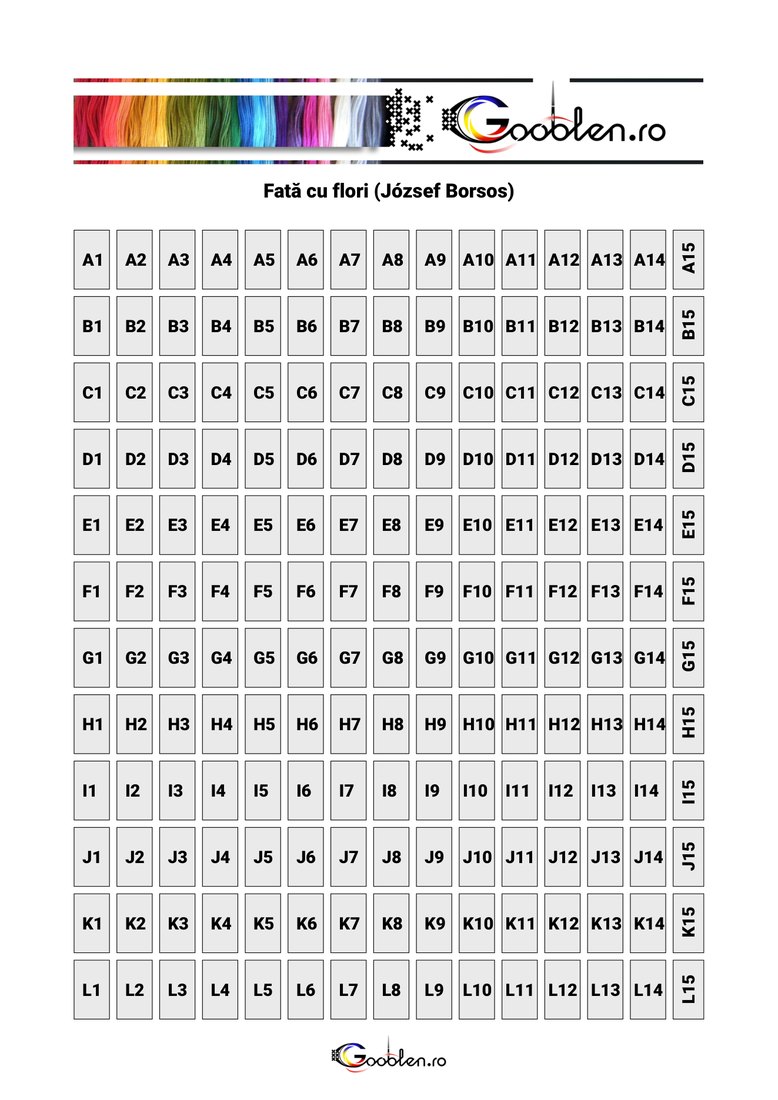
180 sheets, laid out 12 × 15 - 5
You choose the colour count
This is the main measure of how demanding a piece will be: the colour count decides how many threads you buy, how often you change needle and how smooth the transitions are. Every colour in the photo is matched to its nearest thread perceptually rather than mathematically, using the CIEDE2000 distance - closeness as the eye sees it, not as three numbers see it.
You do not have to guess. Entering the step generates seven simulations on its own: the suggested count plus three below and three above. You compare them, zoom into them, and decide by looking.
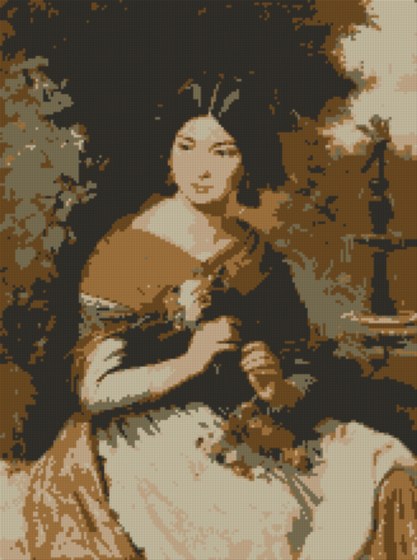 6 colors
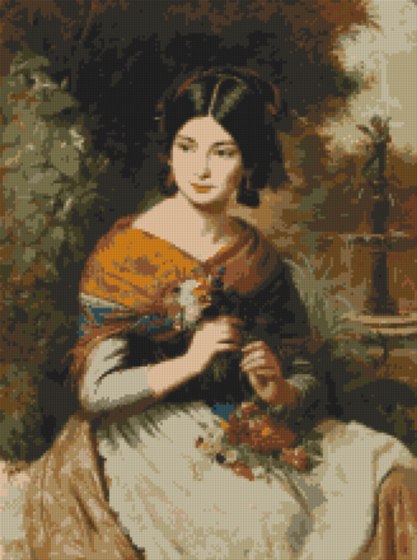 20 colors
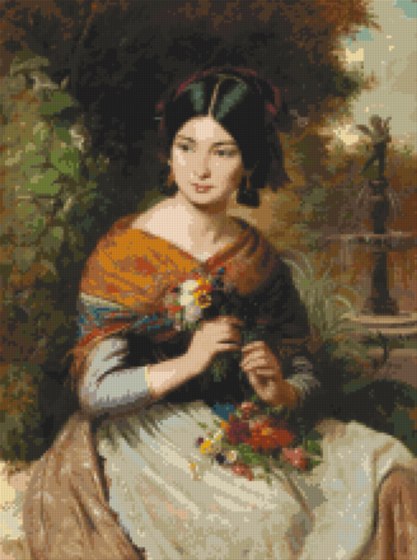 60 colors
The same photograph at the same size; only the colour count differs - 6
You generate and download
The last step shows you the summary and starts the run. It usually takes a minute or two depending on size and colour count. You can close the page: the download link stays valid for 14 days and can be bookmarked or passed on.
You get a ZIP archive with the colour and black-and-white charts, the sheet map, the colour sheet, the colour reference, the simulation of the finished piece and the thread list as a spreadsheet-ready table. Every file is explained, with examples, on the what is in the kit page.
One thing worth knowing in advance: at most five charts a day can be generated from one connection. That is what the server can actually do -- a chart costs it several minutes of work, and it is paid for out of pocket. The previews at the colour step do not count towards it, so you can try as many palettes as you like before deciding. If you reach the limit, the site tells you how long to wait.
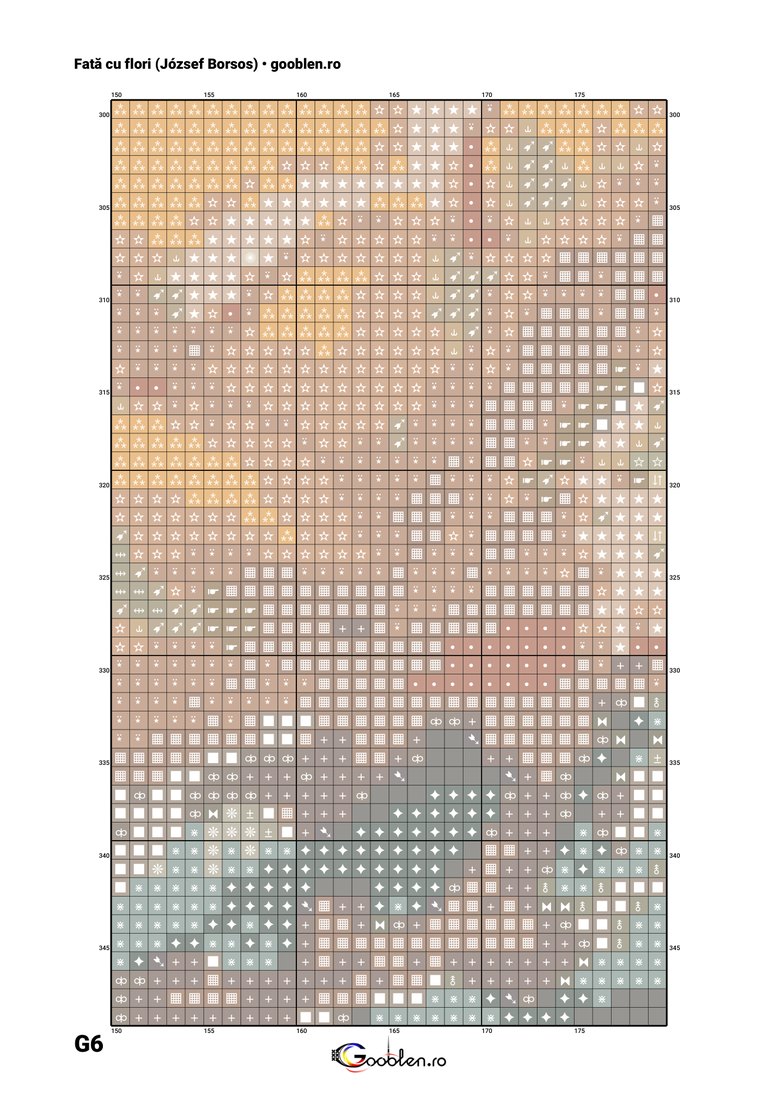
One sheet of the working chart, colour and symbol in every square
Ready to start? All you need is a photo and a few free minutes.